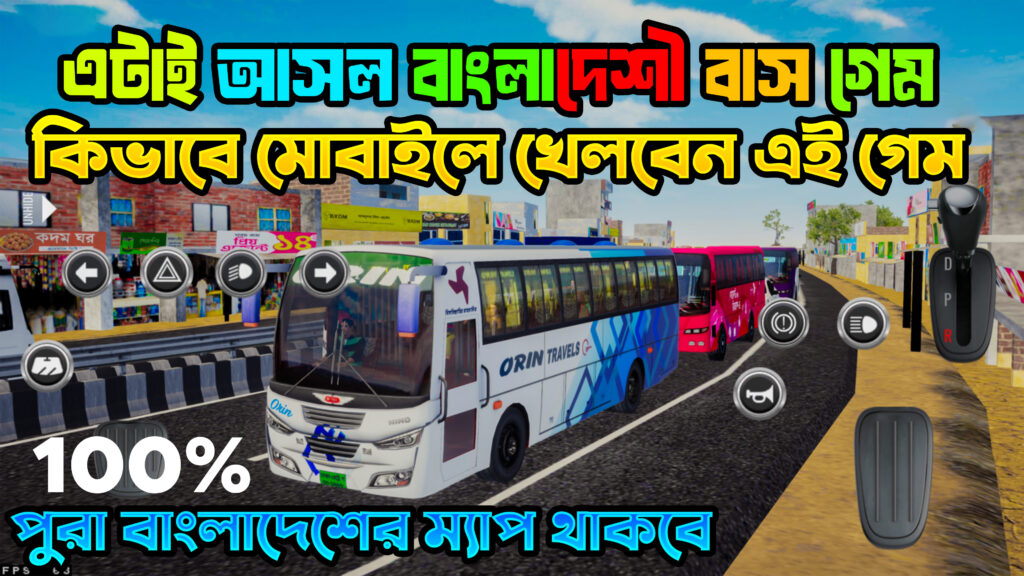

ETS 2 Obb For Bus Simulator Indonesia || 4.3.4 Premium Obb And Apk
ETS 2 Obb For Bus Simulator Indonesia || 4.3.4 Premium Obb And Apk
Installing a custom OBB file, like the popular ETS 2 Mod for Bus Simulator Indonesia (BUSSID), is a specific process that bypasses the standard app store update mechanism. For users on version 4.3.4, compatibility is key to a successful mod installation.
Understanding the APK and OBB Files
-
APK (Android Package Kit): This is the main application file. You must ensure your APK is the correct version (4.3.4) to match the OBB file. A “Premium APK” is often a modded version that might remove ads or unlock in-game currency.
-
OBB (Opaque Binary Blob): This is the large data file containing game assets. The ETS 2 OBB contains the actual graphics and sound overhauls.
Basic Installation Steps (Generic)
-
Download and Install the compatible 4.3.4 Premium APK file. Do NOT open the game yet!
-
Download the large ETS 2 OBB file.
-
Use a File Manager App (like ZArchiver) to navigate to your downloaded files.
-
Copy the OBB file (usually named
main.XXX.com.maleo.bussimulatorid.obb). -
Paste the OBB file into the correct system folder:
Android/obb/com.maleo.bussimulatorid/. (Note: Always back up your original OBB file first!) -
Launch BUSSID and check if the new graphics/features have loaded.
Disclaimer: Installing third-party files carries risks and is done at your own discretion.