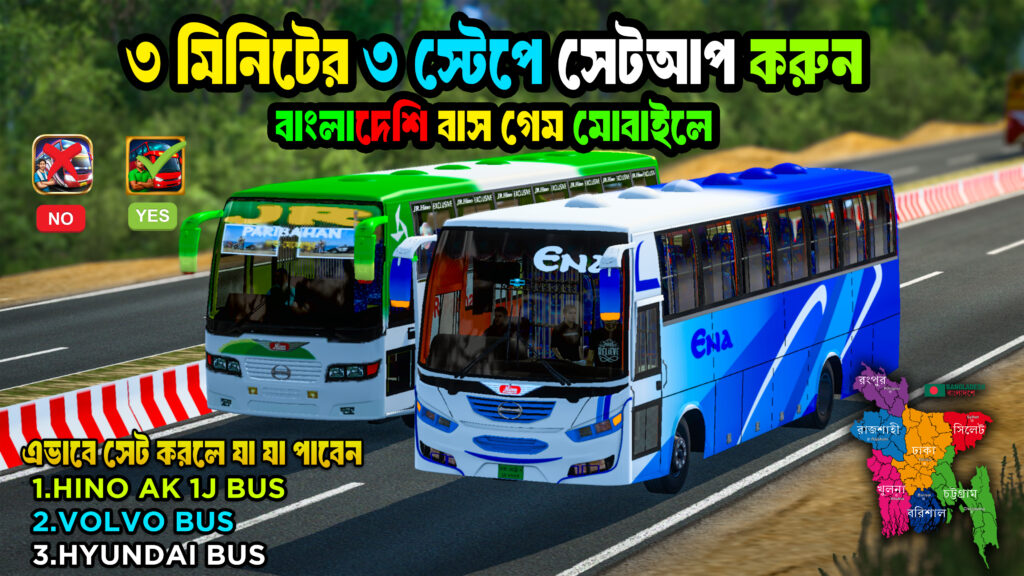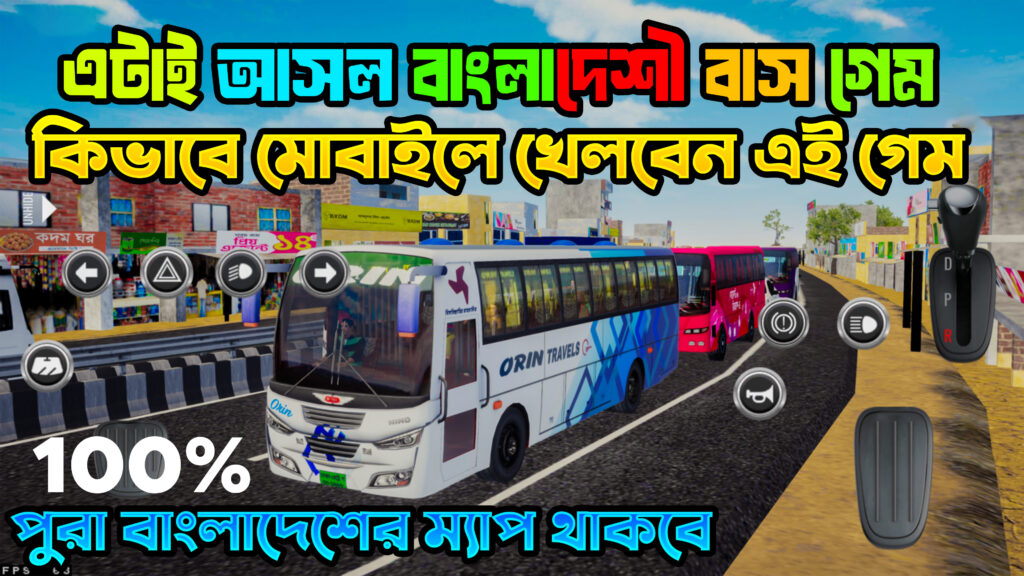

Bangladeshi Map Obb File Download Bussid
Bangladeshi Map OBB File Download for BUSSID – Full Installation Guide
Bus Simulator Indonesia (BUSSID) is one of the most popular driving simulation games for mobile gamers, loved for its realistic graphics, smooth gameplay, and customization options. One of the most exciting features of BUSSID is the ability to add custom maps and mods, including a Bangladeshi map.
In this post, we will share everything you need to know about downloading and installing the Bangladeshi Map OBB file for BUSSID, so you can enjoy driving through the roads of Dhaka, Chattogram, Sylhet, Khulna, and other Bangladeshi cities — all inside your game.
What is a Bangladeshi Map OBB File?
In BUSSID, the OBB file contains important game data, such as maps, textures, and environment details.
When you install a Bangladeshi map OBB file, it replaces the original game data with a custom version that features Bangladeshi roads, traffic systems, landmarks, and more.
This means you don’t just get a simple add-on; you get an entirely new gameplay experience designed to look like real-life Bangladesh.
Features of Bangladeshi Map OBB for BUSSID
-
Real Bangladeshi Roads – Dhaka city streets, village roads, and highways.
-
Local Traffic – Rickshaws, CNG auto-rickshaws, Bangladeshi buses, and trucks.
-
Landmarks – Iconic places like Jatiya Sangsad Bhaban, Padma Bridge, Shah Amanat Bridge, and more.
-
Local Sound Effects – Horns, traffic noise, and ambient sounds familiar to Bangladeshi players.
-
Smooth Performance – Optimized for BUSSID’s latest version.
Requirements Before Installing
Before you begin, make sure you have:
-
Latest Version of BUSSID installed from the Play Store.
-
Bangladeshi Map OBB File (Download link from a trusted source).
-
ZArchiver or any other file manager app.
-
At least 500 MB free storage on your device.
-
Backup of your original OBB file (important in case you want to revert).
How to Download and Install Bangladeshi Map OBB in BUSSID
Step 1: Download the OBB File
Step 2: Extract the OBB File
-
Open ZArchiver.
-
Locate the downloaded
.zipor.rarfile. -
Extract it to a new folder — inside, you should find a file named:
Step 3: Backup Your Original OBB File
-
Go to:
-
Copy the existing OBB file to another folder as a backup.
Step 4: Move the New OBB File
-
Replace the original OBB file in:
-
Paste the new Bangladeshi map OBB here.
Step 5: Launch the Game
-
Open Bus Simulator Indonesia.
-
The new Bangladeshi map should now load automatically.
-
Select your bus and enjoy driving on realistic Bangladeshi roads.
Troubleshooting Tips
-
Game Not Opening? – Check if your OBB file matches your BUSSID version.
-
Map Not Showing? – Clear game cache and re-open the app.
-
Lag Issues? – Lower the graphics settings from the game menu.
Conclusion
The Bangladeshi Map OBB File for BUSSID is perfect for players who want a local driving experience in their favorite simulator game. By following this step-by-step guide, you can easily install the OBB file and enjoy exploring Bangladesh without leaving your home.
🚍 Download, install, and hit the road — Bangladesh awaits!
SEO Keywords Used: Bangladeshi map OBB file BUSSID, BUSSID Bangladesh OBB download, BUSSID Bangladeshi map mod, how to install BUSSID OBB Bangladesh, Bangladesh map BUSSID.