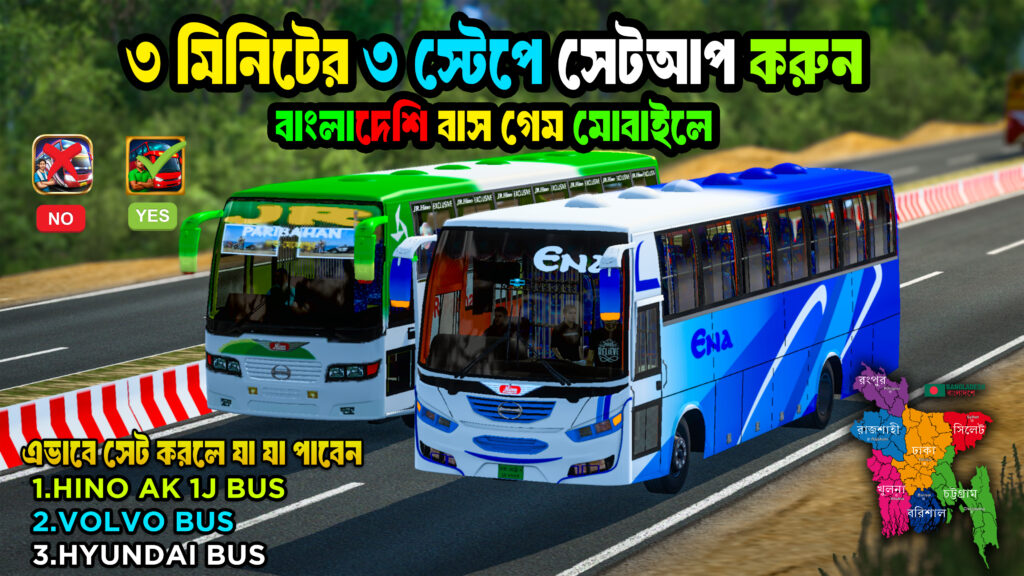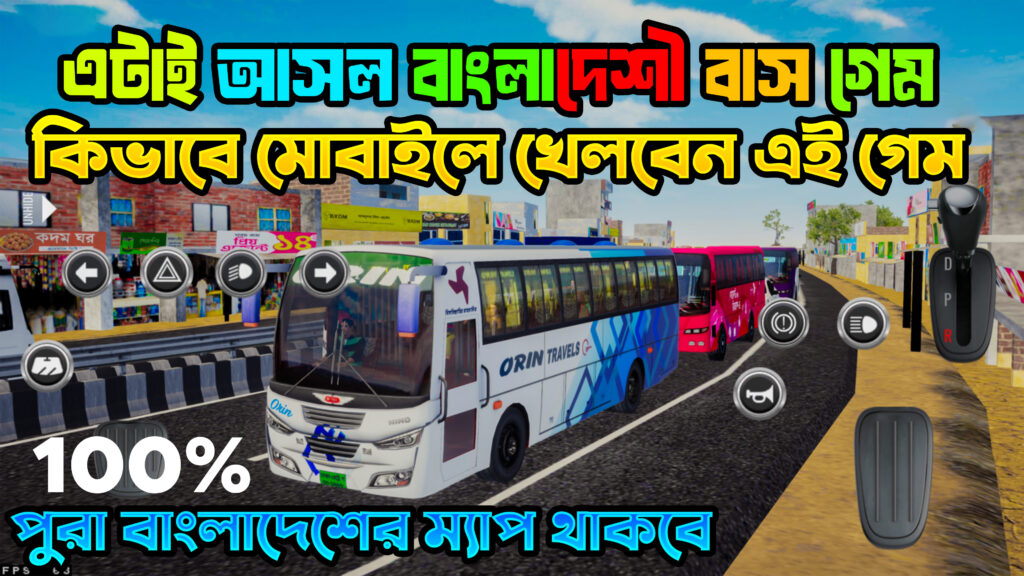
HIGH TRAFFIC +
BANGLADESHI MAP OBB
Experience Bus Simulator Indonesia with a Bangladesh-inspired driving environment. Explore the available map, traffic files and setup instructions in one place.
About This BUSSID OBB
Looking for a BUSSID setup featuring a Bangladeshi map and high traffic? This post brings together the available download files and installation guidance to help you get started.
Check the compatibility of every file with your installed Bus Simulator Indonesia version before installing.
- Game: Bus Simulator Indonesia (BUSSID)
- Content: High Traffic + Bangladeshi Map OBB
- Platform: Android
- File type: OBB / ZIP / additional mod files, as supplied
- Installation: Manual setup may be required
Key Features
⬇ Download Files
Choose the required file and follow the installation guide.
How to Install
Download the files
Download the required OBB, map and traffic files from the links above.
Extract compressed files
If a file is supplied as ZIP or RAR, extract it using a compatible
archive manager.
Back up your original files
Save a copy of your existing game data before making changes.
Follow the correct file path
Use the folder location specified by the mod creator. Do not replace
unrelated game files.
Launch and test the game
Open BUSSID and check whether the map and traffic work correctly.
Follow any version-specific instructions supplied with the files.
Frequently Asked Questions
Is this compatible with every BUSSID version?
No universal compatibility is guaranteed. Check the version specified by the file creator before installing.
Can I use the files on a low-end phone?
Performance depends on your device, available RAM, graphics settings and the traffic or map modifications installed. Test the setup with suitable settings.
What should I do if the game crashes?
Check the file version, folder paths and extracted files. Restore your backup if necessary and remove incompatible modifications before trying again.
Do I need to download all four files?
Download only the files required by your specific setup. Follow the instructions provided with the release.